Your files stay on your computer
Tablyra reads, changes, previews, and saves Excel and CSV files in the desktop app.
Choose the files and samples, review and edit each step, inspect the result, then choose whether to save a new file or update the original.
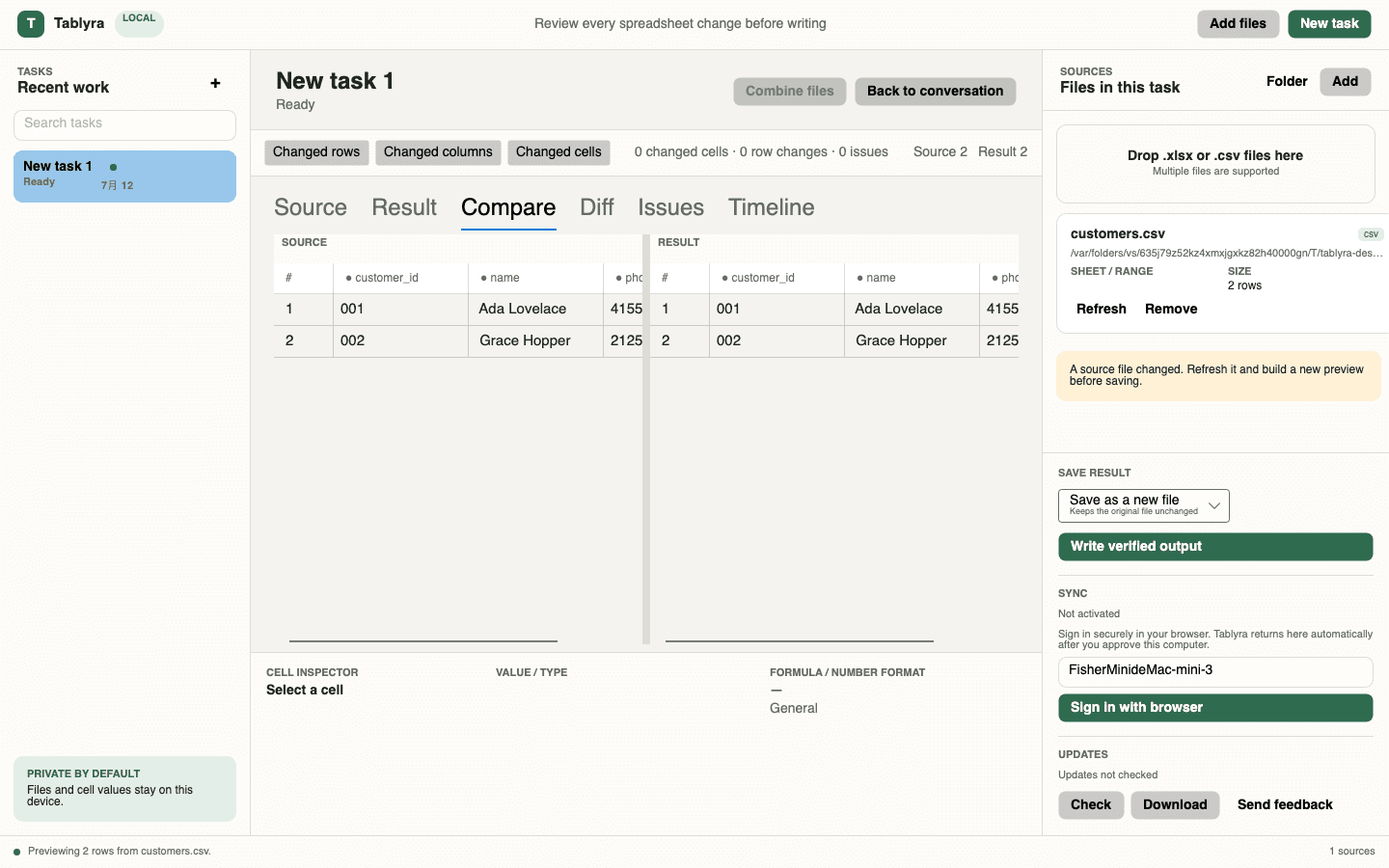
Tablyra reads, changes, previews, and saves Excel and CSV files in the desktop app.
Describe the result you want, then change, remove, or add details to each proposed step.
Compare the original and result, review changed cells and warnings, and inspect the result after each step.
Create a new file, copy the full workbook, preview only, or update the original after a verified backup.
Choose matching columns, decide how to handle duplicates and missing rows, rename result columns, and save the setup.
Tablyra uses the same checked result for both the preview and the output file.
Tablyra reads and writes supported .xlsx and .csv files directly. Excel or a compatible spreadsheet app is only needed if you want to open the finished file.