Conversational planning
Understand goals such as normalizing birth dates, joining by customer ID, or validating an import using only the current instruction, schema, and approved samples.
Tablyra separates natural language, constrained actions, local execution, and safe output so non-technical users get automation speed without giving up human review.
Understand goals such as normalizing birth dates, joining by customer ID, or validating an import using only the current instruction, schema, and approved samples.
The model can select only defined Semantic Actions. Column references, parameters, and output policies must validate before execution.
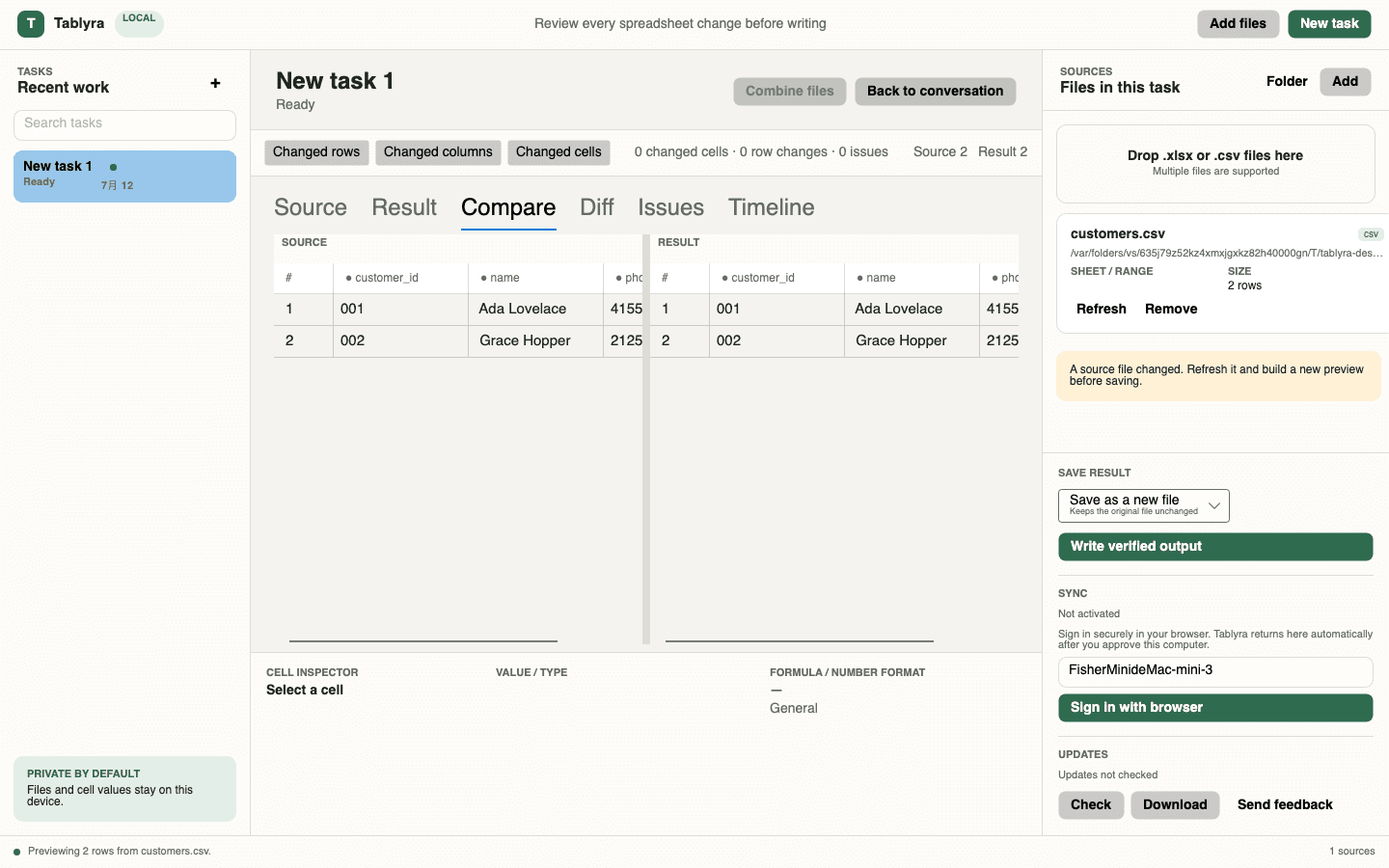
Desktop reads the file and builds Source, Result, Diff, Issues, and an Action Timeline without remote code execution.
Preview and final output use the same change set. Updating a source file requires a backup followed by output verification.
These capabilities run through explicit Action Schemas rather than arbitrary model-generated code.
Whitespace cleanup, text replacement, case changes, character removal, blank filling, and duplicate handling
Date, phone, number, currency, percent, and display formats
Rename, delete, split, merge, select, and reorder columns
Filter, keep, delete, sort, blank-row, and duplicate-row operations
Join sources by explicit keys, select output fields, and handle duplicate keys
Required, unique, email, phone, date, number, range, and allowed-value checks
Tablyra does not execute arbitrary model-generated code. Requests are constrained to defined and validated spreadsheet actions with visible results, diffs, and issues for every step.
Yes. Each message updates the current validated plan and local preview. A saved result can also be rebuilt after closing the preview or reopening the task.
You can add multiple sources and join two files through explicit matching keys. Complex workbook features are detected and output is restricted when they cannot be preserved safely.
The current focus is CSV, XLSX, and XLSM. Macros, charts, pivots, external links, Power Query, and formula-sensitive structures are detected and handled according to output risk.
Download the desktop app, open an Excel or CSV file locally, and build a reviewable result through conversation.